Quick tour

Selveo in
five minutes.

Here's how your warehouse and purchasing flow works in Selveo — from the moment an order lands to the item back on the shelf.

  1. 01

    Automatic order import

    Selveo continuously pulls orders from your webshops via API directly into Selveo's admin. Products are instantly reserved in stock when an order is created, so you never sell an item you don't have.

    • Real-time import from Shopify, Shopware, Magento, WooCommerce, and more.
    • Automatic stock reservation on order creation
  2. 02

    Picking

    Choose a picking strategy per order or per warehouse: order-by-order, batch picking, or single picking. Selveo supports scanners, totes, printed pick lists, or hybrid flows — you configure it to suit your operation.

    • Three picking methods side by side
    • Scanner-based or print-based
    • Dynamic route recalculation
  3. 03

    Packing station

    After picking, items move to packing stations. The operator scans totes and packs the shipment. The carrier can be changed, and orders can be paused at the packing stage if anything needs to be verified.

    • Scan-based pack validation
    • Switch carrier or pause orders on the spot
  4. 04

    Intelligent purchasing

    The purchasing engine automatically suggests reorders based on minimum stock levels, a 14-day forecast, and sales history. You can generate purchase orders to suppliers in seconds.

    • Suggestions based on minimum stock + forecast
    • One-click PO generation
  5. 05

    Goods receipt and put-away

    Receive incoming goods against existing POs. Confirm against the order, quality-check, and release pick orders that were waiting on stock — all in the same flow.

    • PO-based goods receipt
    • Automatic release of pending pick orders
Mikkel & Kasper Dissing
Ditur
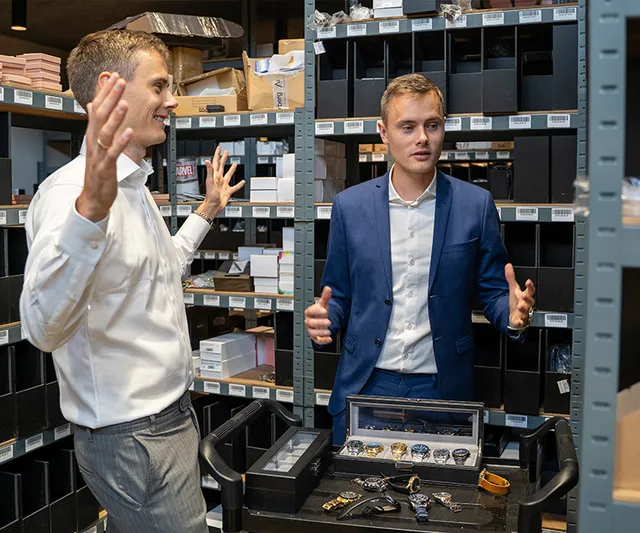
We found much of the desired logic in SELVEO, which matched our ambitions to implement an omnichannel strategy in the future.
Mikkel & Kasper Dissing Founders · Ditur
Quick tour

Want to see it on your own warehouse?

Free 30-minute walkthrough — bring your numbers.

Book a demo See all features